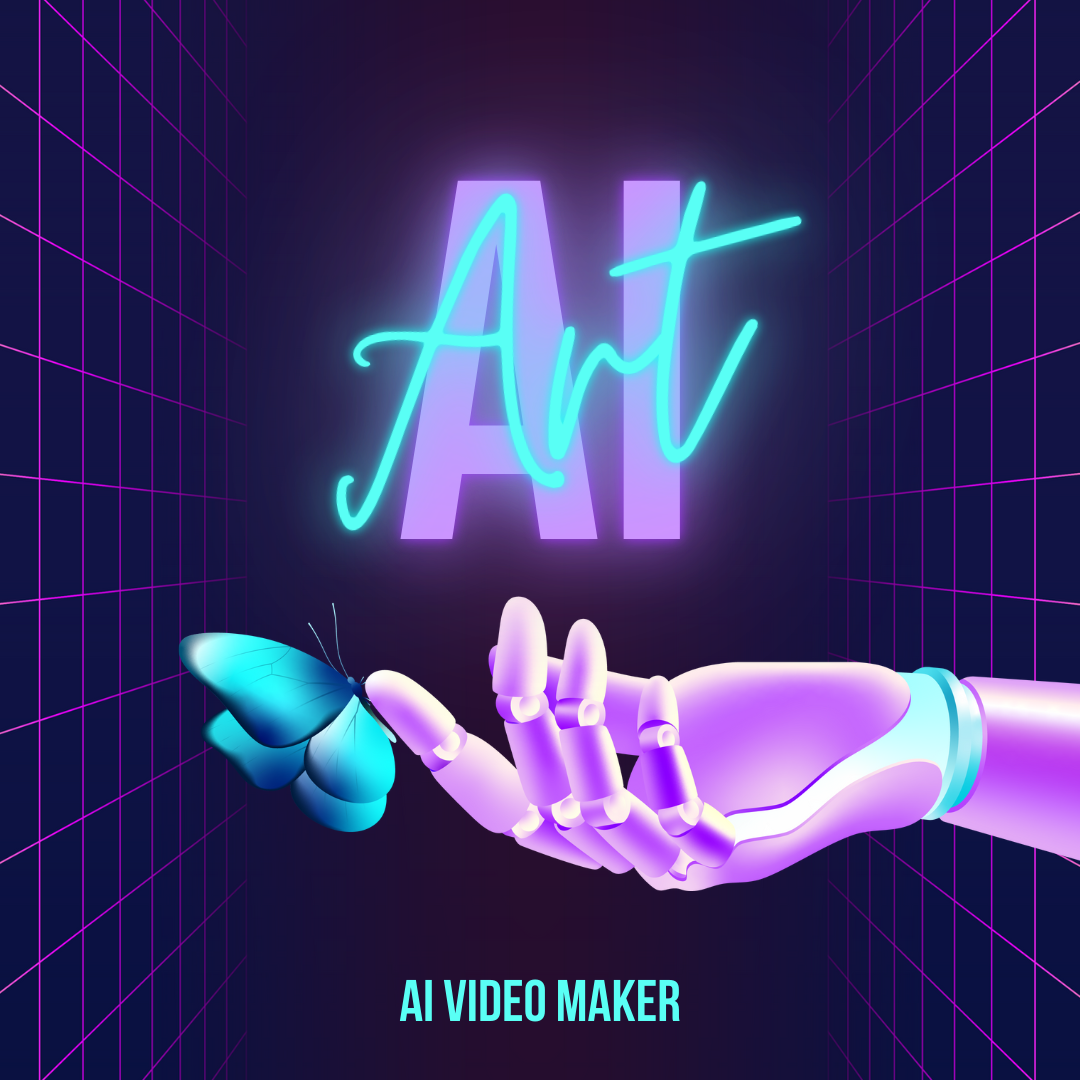

Creating video used to require cameras, actors, editing skills, and considerable time. Artificial intelligence has changed that: today you can turn a script, an article, or even a few prompts into a finished video in minutes. This guide explains how AI video generation actually works, what the technology is good and bad at, and how to use it well — because the tools are powerful, but the results still depend on how you approach them.
What an AI-generated video actually is
An AI-generated video is one where software handles tasks that a human team traditionally performed: turning text into a narrated script, selecting or generating visuals, creating a synthetic presenter, adding voiceover, and assembling everything into a finished clip. Some tools animate a realistic avatar that speaks your script; others convert a blog post into a montage of stock footage and captions; still others generate entirely new video scenes from a text description. Understanding which of these you need is the first step, because the tools specialise in very different outputs.
How the process works step by step
Despite the variety of tools, the workflow is broadly similar. You start with a clear idea and a script or source text, since the quality of your input largely determines the quality of the output. You choose a style — a talking avatar, a text-to-video montage, or generated scenes — and let the tool produce a first draft. From there you refine: adjust the voice, swap visuals, fix pacing, and edit captions. The AI does the heavy lifting, but the human judgement in scripting and refining is what separates a polished result from an obviously automated one.
The main types of tools
AI video tools fall into a few practical categories. Avatar-based tools create a realistic presenter who speaks your script in many languages, which is ideal for training, explainers, and corporate content without filming. Text-to-video tools transform written content into edited clips with stock footage, music, and captions, making them well suited to social media and marketing. Generative tools produce brand-new footage from prompts, opening creative possibilities that did not exist before, though they require more experimentation. Editing-focused tools use AI to speed up traditional editing, such as removing filler words by editing a transcript. Choosing the right category matters more than choosing a specific brand.
Which approach suits your goal
Match the tool to the outcome you want. For educational or corporate videos where a consistent presenter helps, an avatar-based tool is efficient and repeatable. For turning existing blog or marketing content into shareable social clips, a text-to-video tool is fastest. For original, imaginative visuals, generative tools are the frontier — powerful but less predictable. And if you already film content and simply want to edit faster, an AI-assisted editor will save the most time. Being clear about your purpose prevents you from wrestling a tool into doing something it was never designed for.
Tips for getting good results
The single biggest factor in AI video quality is your script, so invest time writing it clearly and conversationally. Keep videos focused and reasonably short, since attention drops quickly. Always review and edit the AI’s output rather than publishing the first draft — check pronunciation, pacing, and whether the visuals genuinely match the message. Add your own branding and a human touch so the result feels intentional rather than mass-produced. Used this way, AI handles the tedious work while you keep control of the creative decisions.
Final thoughts
AI video tools have made professional-looking video accessible to anyone with an idea, dramatically lowering the barrier that once kept many creators and businesses out. But the technology is a powerful assistant, not a replacement for thought. The creators who benefit most treat AI as a way to produce faster and experiment more, while still bringing the clear message, good script, and careful editing that make any video worth watching.
Related Guides
Continue reading on related topics: