Web Design and Development: Your Complete Guide to Building a Professional Website

“Web design” and “web development” are often used interchangeably, but they describe two different halves of building a website — and understanding the difference helps you plan, hire, and budget far more effectively. This guide explains what each involves, how a website actually comes together, and the practical choices you face, whether you plan to build it yourself or work with professionals.
Design versus development: the key distinction
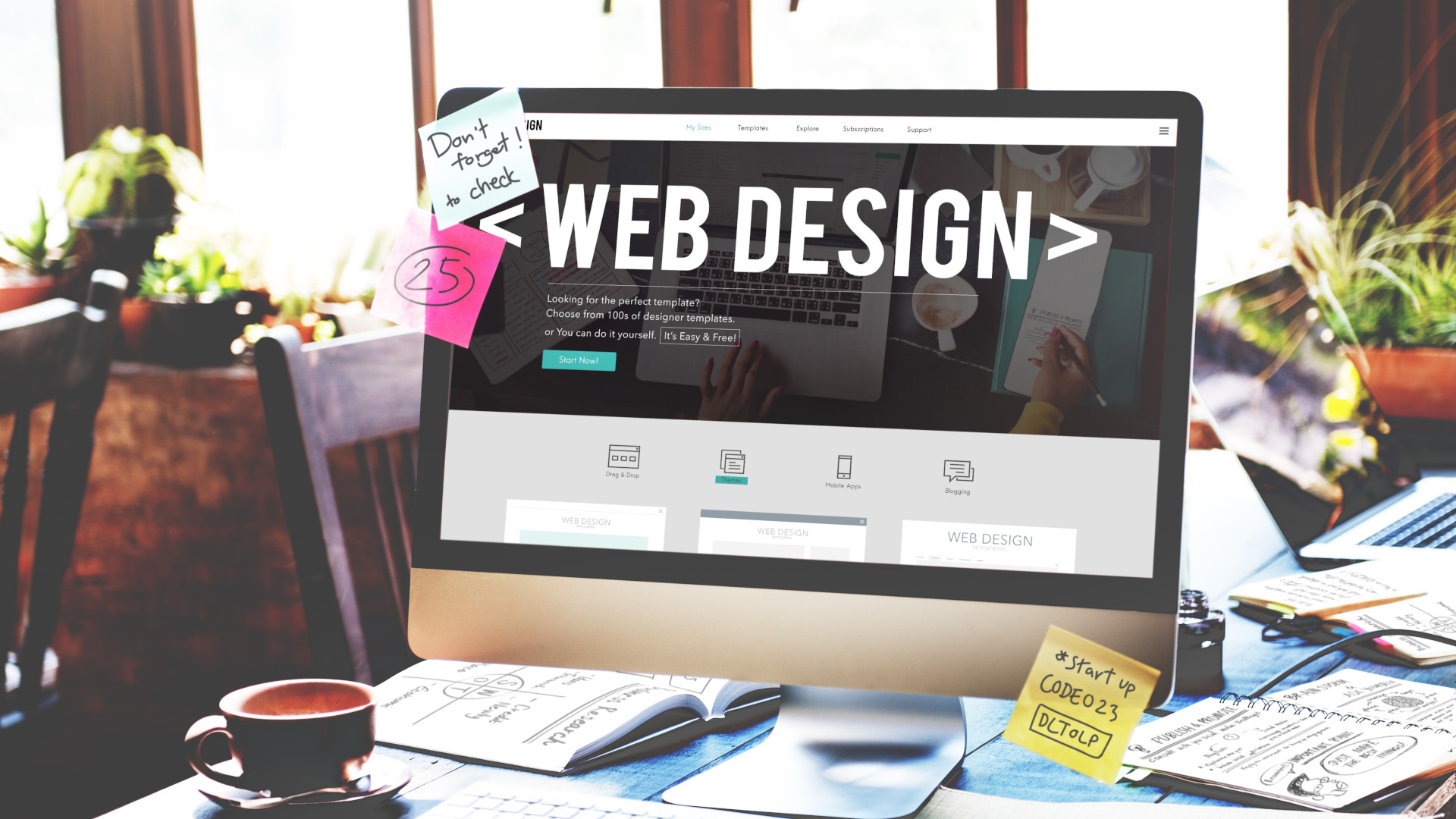
Web design is about how a site looks and feels: layout, colour, typography, imagery, and the overall user experience. A good designer makes a site attractive, easy to navigate, and aligned with a brand. Web development is about how a site works: turning that design into a functioning website using code. Development is often split into front-end work, which builds what visitors see and interact with in the browser, and back-end work, which handles the servers, databases, and logic behind the scenes. A complete website needs both — design without development is just a picture, and development without design is hard to use.
The technologies involved
Front-end development relies on a core trio: HTML structures the content, CSS controls the appearance, and JavaScript adds interactivity, often assisted by frameworks that speed up complex interfaces. Back-end development uses languages and databases to store information, process requests, and power features like user accounts and payments. You do not need to master all of this to have a website built, but knowing the landscape helps you understand what goes into the work and communicate clearly about what you need.
How a website comes together
Building a website follows a logical sequence. It starts with planning — clarifying the site’s purpose, audience, and content. Next comes design, where the look and structure take shape, often as wireframes and mockups before any code is written. Then development turns those designs into a working site. After that comes testing across devices and browsers to ensure everything works and looks right, followed by launch. Crucially, the process does not end there: a good website is maintained and improved over time based on how real visitors use it.
Building without code
You no longer need to be a developer to have a professional website. No-code and low-code platforms let you design and publish capable sites visually, handling much of the technical work for you. These are excellent for small businesses, portfolios, and stores that need to launch quickly without a development team. Custom-coded sites still offer the most flexibility and are the right choice for complex or highly unique requirements, but for many projects a good builder delivers professional results at a fraction of the time and cost.
Choosing your path
The right approach depends on your goals, budget, and timeline. If you need a straightforward, good-looking site soon, a no-code builder is often the smartest choice. If your project has custom functionality or must scale in complex ways, investing in professional design and development pays off. Whichever route you take, prioritise clarity of purpose and good user experience over flashy features — a site that loads fast, works on mobile, and guides visitors easily will always outperform a beautiful but confusing one.
Final thoughts
A great website is the product of design and development working together: one shapes the experience, the other makes it real. By understanding what each contributes, how the process unfolds, and what options exist for building it, you can make confident decisions — and end up with a site that not only looks professional but genuinely serves the people who visit it.
Related Guides
Continue reading on related topics: