
AI at Google: A New Era with Gemini and Veo 2
Artificial intelligence has rapidly transformed the digital world, and Google stands as one of its leading pioneers. With powerful tools like Gemini and Veo 2, Google is redefining how we interact with technology, create content, and boost productivity. In this post, we’ll explore what these tools offer, their features, and expected costs.
What is Gemini?
Gemini is Google’s next-generation family of AI models, following the earlier Bard platform. Its latest version, Gemini 1.5 Pro, is a multimodal model that can understand and generate across text, image, video, code, and audio.
Key Features of Gemini:
- 🔍 Multimodal Understanding: Gemini can process and analyze text, images, code, and even videos simultaneously.
- 🧠 Massive Context Window: It supports up to 1 million tokens, allowing deep comprehension of long documents or extended conversations.
- 🌐 Deep Integration with Google Workspace: Use Gemini directly within Gmail, Docs, Sheets, and more.
- 💬 Smart AI Assistant: Helps write, summarize, translate, and analyze with high precision.
- ⚙️ Developer-Friendly: Available via Google AI Studio and Vertex AI, offering API access to integrate Gemini into your apps.
Pricing:
Google offers a free version of Gemini at gemini.google.com, along with Gemini Advanced, which runs on Gemini 1.5 Pro and is part of the Google One AI Premium Plan.
- 💳 Subscription:
- Google One AI Premium Plan: Starts at $19.99/month, including 2TB of cloud storage + access to Gemini Advanced.
What is Veo 2?
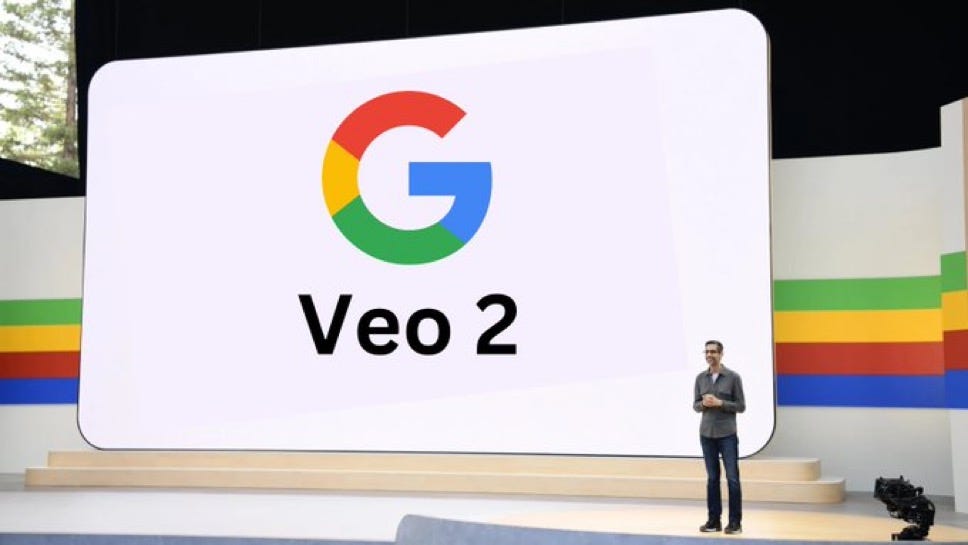
Veo 2 is Google DeepMind’s most advanced AI video generation model, introduced at Google I/O 2024. It directly competes with tools like OpenAI’s Sora and Runway.
Key Features of Veo 2:
- 🎬 High-Quality Video Generation: Creates realistic videos in 1080p resolution and supports longer durations.
- 🗣️ Precision Text-to-Video Control: Users can describe cinematic details, styles, and movements in natural language prompts.
- 🎨 Support for Various Styles: Realistic videos, animations, cinematic shots, and more.
- ✂️ AI-Powered Video Editing: Enhance or modify existing clips with ease.
- 🌍 YouTube Integration (Coming Soon): Google plans to roll it out for content creators within YouTube Studio.
Availability & Pricing:
Currently, Veo 2 is in preview access only, available to selected creators via a waitlist. Google has not released official pricing, but it’s expected to follow a freemium or subscription model.
- 💡 Free for early access/testers.
- 🏷️ Paid plans may be introduced under Google Cloud or YouTube Studio Pro tools.
How Creators and Businesses Can Benefit from Gemini & Veo 2
- ✅ Boost productivity using AI-powered tools across emails, documents, and data.
- 🎥 Produce professional video content without expensive equipment or editing skills.
- 📊 Make better decisions with smart data analysis.
- ✨ Create innovative marketing campaigns using AI-generated video and text.
How to Choose the Right Google AI Tool for Your Needs
Picking between Google’s AI offerings comes down to the outcome you want. If your work centers on writing, research, summarizing long documents, or coding assistance, a conversational model like Gemini is the natural fit. If your priority is turning ideas and prompts into short video clips or visual storytelling, a generative video tool such as Veo is designed for that creative lane. Many teams end up using both together: drafting scripts and concepts with a text model, then producing the visuals with a video model.
Practical Workflows You Can Try Today
1. Content Planning to Publishing
Start by asking a text model to brainstorm topic ideas and outline a piece, refine the draft in your own voice, then use a video tool to create a short companion clip for social media. This single pipeline can take a blog post from idea to a multi-format asset in a fraction of the usual time.
2. Learning and Research
Feed a model your reading material and ask for clear explanations, comparisons, and follow-up questions. Instead of passively reading, you turn the tool into an interactive study partner that adapts to your level.
3. Everyday Productivity
Use AI to summarize long email threads, draft replies, organize messy notes into action items, and translate content across languages. These small time savings add up quickly over a working week.
Tips for Getting Better Results from AI Tools
The quality of your output depends heavily on the quality of your prompts. Be specific about the audience, tone, length, and format you want. Give the model examples of what “good” looks like, and iterate rather than expecting a perfect answer on the first try. Always review and fact-check important details yourself, since AI models can occasionally present confident but inaccurate information.
Frequently Asked Questions
Do I need technical skills to use these tools? No. Most of Google’s AI tools are built around simple chat or prompt interfaces that anyone can use without coding.
Is my data private? Review the settings of whichever tool you use and check its data and privacy policy, especially for business or sensitive content. Many tools let you control whether your inputs are used for improvement.
Can these tools fully replace human work? They are best treated as powerful assistants that accelerate your work, not replacements for human judgment, creativity, and final review.
Final Thoughts
Google is shaping the future of artificial intelligence with tools that are smarter, faster, and more accessible than ever. With Gemini and Veo 2, individuals and organizations alike can unlock new levels of creativity and efficiency.
Whether you’re a developer, content creator, or business owner, it’s time to explore the future — powered by Google AI.