Everything You Need to Know About Notion: The All-in-One Workspace for Teams & Individuals

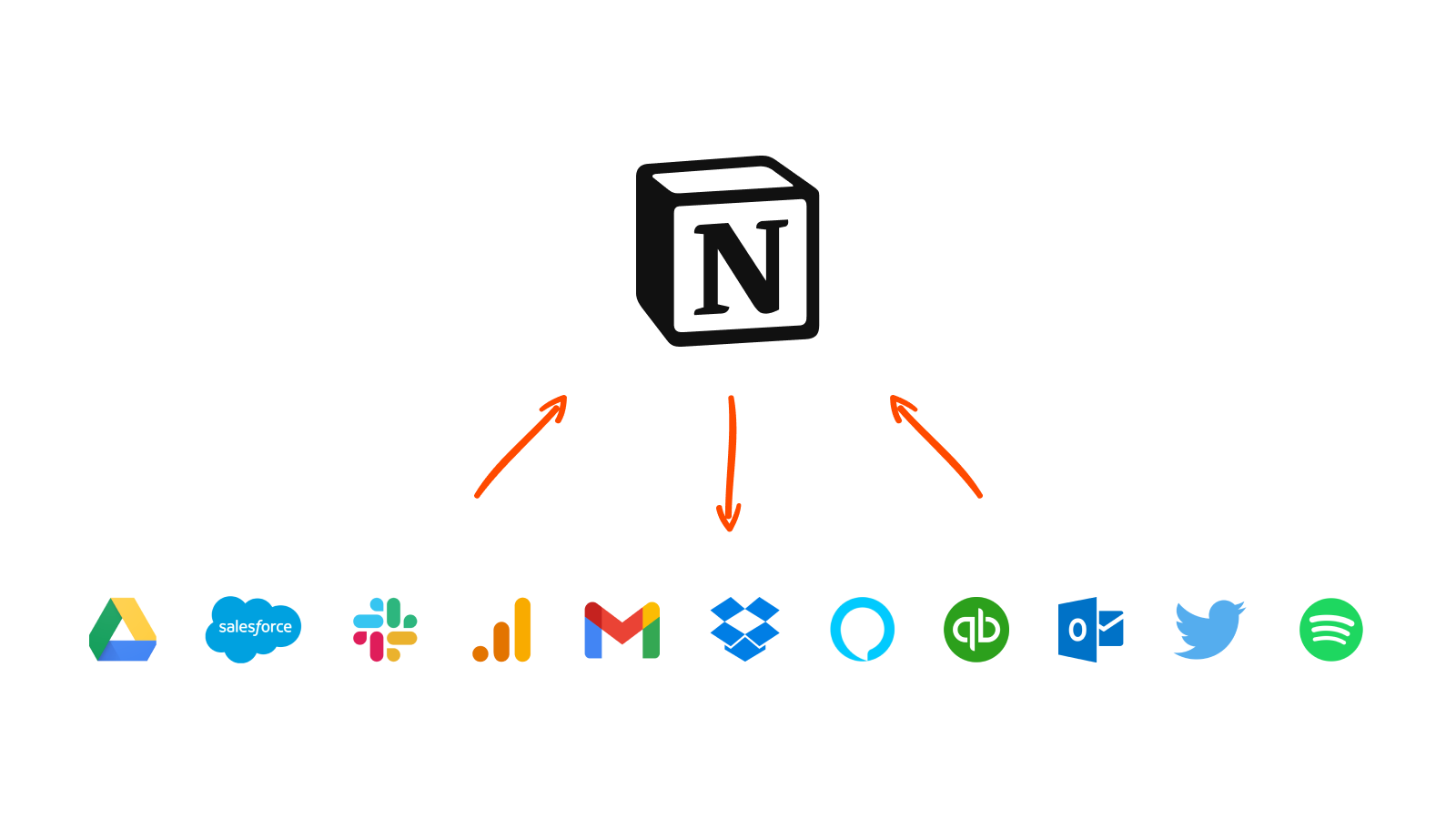
Notion has become one of the most talked-about productivity tools of the past few years, and for a simple reason: it collapses several separate apps — notes, tasks, wikis, and lightweight databases — into a single flexible workspace. Instead of juggling a note app, a to-do list, and a project board, you build exactly the system you need out of modular building blocks. This overview explains what Notion actually is, what it does well, and who genuinely benefits from it, so you can decide whether it fits the way you work.
What Notion is
At its core, Notion is a workspace built from “blocks” — small units of content such as a paragraph, a heading, a checklist, an image, or a table. Because everything is a block, you can arrange and rearrange pages freely, nesting pages inside pages to build anything from a simple journal to a full company knowledge base. What makes it distinctive is that these same blocks power its databases, so a page can double as a task board, a content calendar, or a customer list without leaving the app. This flexibility is Notion’s greatest strength and, for some newcomers, its initial challenge: a blank Notion page can do almost anything, which means you have to decide what you want it to be.
What Notion does well
Notion excels at unifying information that would otherwise be scattered. Its rich note-taking handles everything from quick thoughts to structured documents with embedded media. Its databases let you view the same information as a table, board, calendar, or gallery, which is powerful for managing projects and content. Real-time collaboration means teams can work in the same page, leave comments, and keep a shared source of truth rather than emailing documents back and forth. The interface is highly customisable, so individuals and teams shape it around their own workflow. More recently, Notion AI adds writing, summarising, and brainstorming assistance directly inside your pages, reducing the need to switch tools.
Pricing and who it suits
Notion offers a capable free plan that is more than enough for individuals and students, with paid plans that add collaboration features, greater version history, and expanded AI usage for teams and businesses. In practice, students use it to organise notes and coursework, freelancers and content creators use it to plan and track their work, and teams use it as a shared wiki and project hub. It is less ideal for those who want a rigid, opinionated tool that works perfectly out of the box, because Notion rewards a little setup effort with a lot of long-term flexibility.
How it compares
Notion sits between several categories, which is why it is often compared to more specialised tools. Trello and similar boards are simpler for pure task tracking but far less capable as a knowledge base. Dedicated note apps like Evernote or Obsidian go deeper on note-taking but lack Notion’s database power. Airtable is stronger as a pure database but weaker as a document and wiki tool. The honest takeaway is that Notion rarely beats a specialist tool at that specialist’s single job, but it beats almost everything at being one flexible place for many jobs at once.
Is Notion right for you?
Notion is an excellent fit if you value flexibility, dislike scattering your work across many apps, and are willing to invest a short time in setting up a system that matches how you think. If you prefer a tool that enforces one way of working with zero configuration, a more focused app may suit you better. For most students, creators, freelancers, and small teams, though, Notion’s combination of notes, tasks, and databases in a single customisable workspace makes it one of the most versatile productivity tools available today.
Related Guides
Continue reading on related topics: