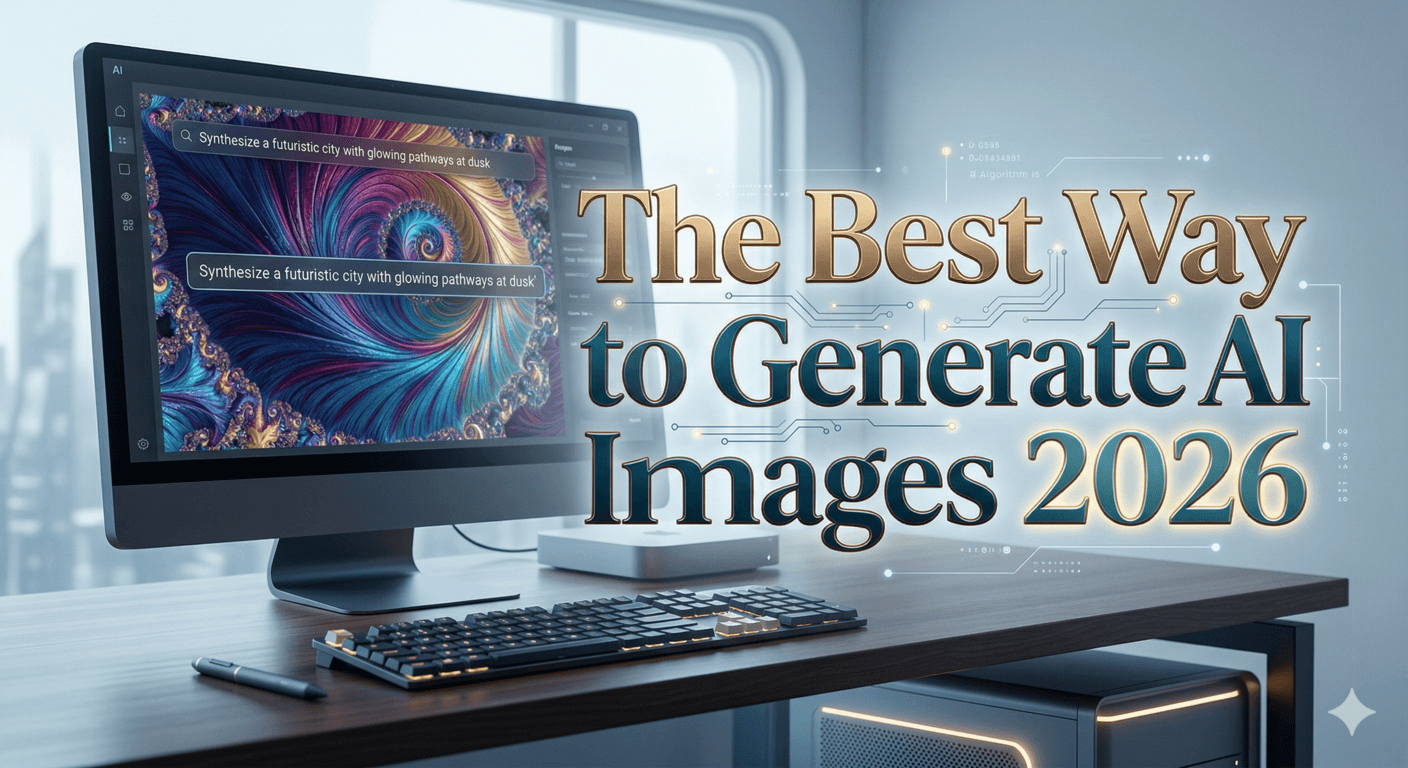

🔥 The Best Way to Generate AI Images (Complete Guide 2026)
In recent years, AI image generation has become one of the most powerful tools in design, marketing, and content creation. Today, you can create stunning visuals, realistic photos, and artistic masterpieces just by writing a simple text prompt.
But the real question is:
What’s the best way to do it—and which tools should you use?
In this guide, you’ll discover:
- The best AI image generators
- A full comparison between them
- Pro techniques for better results
- Which tool is right for you
🧠 How AI Image Generation Works
Most tools rely on Text-to-Image technology.
You simply write a description, and the AI turns it into an image.
Example:
“A man standing on a mountain at sunset, cinematic lighting”
The AI understands:
- Objects (man, mountain, sunset)
- Style (cinematic)
- Lighting and composition
Then generates a complete image.
🧩 Best AI Image Generator Tools (2026)
1. Midjourney
Best for artistic and cinematic images
✅ Pros:
- Extremely high-quality visuals
- Stunning lighting and details
- محبوب لدى المصممين
❌ Cons:
- Not beginner-friendly
- Sometimes less accurate to prompts
2. DALL·E
Best for beginners
✅ Pros:
- Very accurate prompt understanding
- Easy to use
- Great with text inside images
❌ Cons:
- Sometimes less creative
3. Stable Diffusion
Best for advanced users
✅ Pros:
- Open-source and free
- Full control (models, plugins, customization)
- Can run locally
❌ Cons:
- Complex setup
- Requires technical knowledge
4. Nano Banana 2
One of the most advanced tools in 2026
✅ Pros:
- Highly realistic results
- Excellent scene understanding
- Strong prompt accuracy
💡 Especially good for:
- Realistic images
- Complex scenes
- Text rendering
5. Adobe Firefly
Best for commercial use
✅ Pros:
- Safe for commercial projects
- Integrated with Photoshop
- Reliable results
❌ Cons:
- Less creative than Midjourney
6. Ideogram
Best for text-based images
✅ Pros:
- Clear and accurate text rendering
- Great for logos and ads
7. Leonardo AI
Best for character design
✅ Pros:
- Consistent character generation
- Ideal for games and branding
📊 Full Comparison
| Tool | Quality | Accuracy | Ease of Use | Best For |
|---|---|---|---|---|
| Midjourney | ⭐⭐⭐⭐⭐ | ⭐⭐⭐ | ⭐⭐ | Artistic visuals |
| DALL·E | ⭐⭐⭐⭐ | ⭐⭐⭐⭐⭐ | ⭐⭐⭐⭐⭐ | Beginners |
| Stable Diffusion | ⭐⭐⭐⭐ | ⭐⭐⭐⭐ | ⭐ | Full control |
| Nano Banana 2 | ⭐⭐⭐⭐⭐ | ⭐⭐⭐⭐⭐ | ⭐⭐⭐⭐ | Realism |
| Firefly | ⭐⭐⭐ | ⭐⭐⭐⭐ | ⭐⭐⭐⭐ | Commercial use |
| Ideogram | ⭐⭐⭐⭐ | ⭐⭐⭐⭐⭐ | ⭐⭐⭐⭐ | Text images |
📌 Key Takeaways:
- Best quality → Midjourney
- Best accuracy → Nano Banana 2 / DALL·E
- Best control → Stable Diffusion
🎯 The Best Professional Workflow
1. Write Better Prompts (Most Important)
Instead of:
“a cat”
Write:
“a realistic white cat sitting on a window, soft sunlight, cinematic photography, 4K”
📌 The more detailed your prompt:
- The better the result
- The more control you have
2. Use Art Styles
Add styles like:
- cinematic
- realistic
- anime
- oil painting
3. Use Reference Images
Some tools allow you to upload images to guide the output style.
4. Iterate (Don’t Expect Perfection)
Professional users generate multiple versions and refine step by step.
5. Combine Tools 🔥
Advanced creators often:
- Generate with Midjourney
- Edit with Photoshop / Firefly
- Enhance with upscaling tools
🧠 Pro Tips (Advanced Level)
Use keywords like:
- ultra realistic
- 8K
- sharp focus
Experiment with:
- Camera angles (wide angle, close-up)
- Lighting (soft lighting, dramatic lighting)
🚀 Which Tool Should You Choose?
✔ Beginner → DALL·E
✔ Best visuals → Midjourney
✔ Realistic images → Nano Banana 2
✔ Technical control → Stable Diffusion
✔ Commercial work → Firefly
🏁 Final Thoughts
AI image generation in 2026 is more powerful than ever.
There is no single “best” tool — instead:
👉 Each tool has a different strength
👉 The real skill is combining them
If you want top-tier results:
Learn prompt engineering + use multiple tools